
What Are AI Church Graphics? A Plain-Language Guide
AI church graphics are designs generated from a plain-language description. Learn how they work, what to make, and how to get great results.
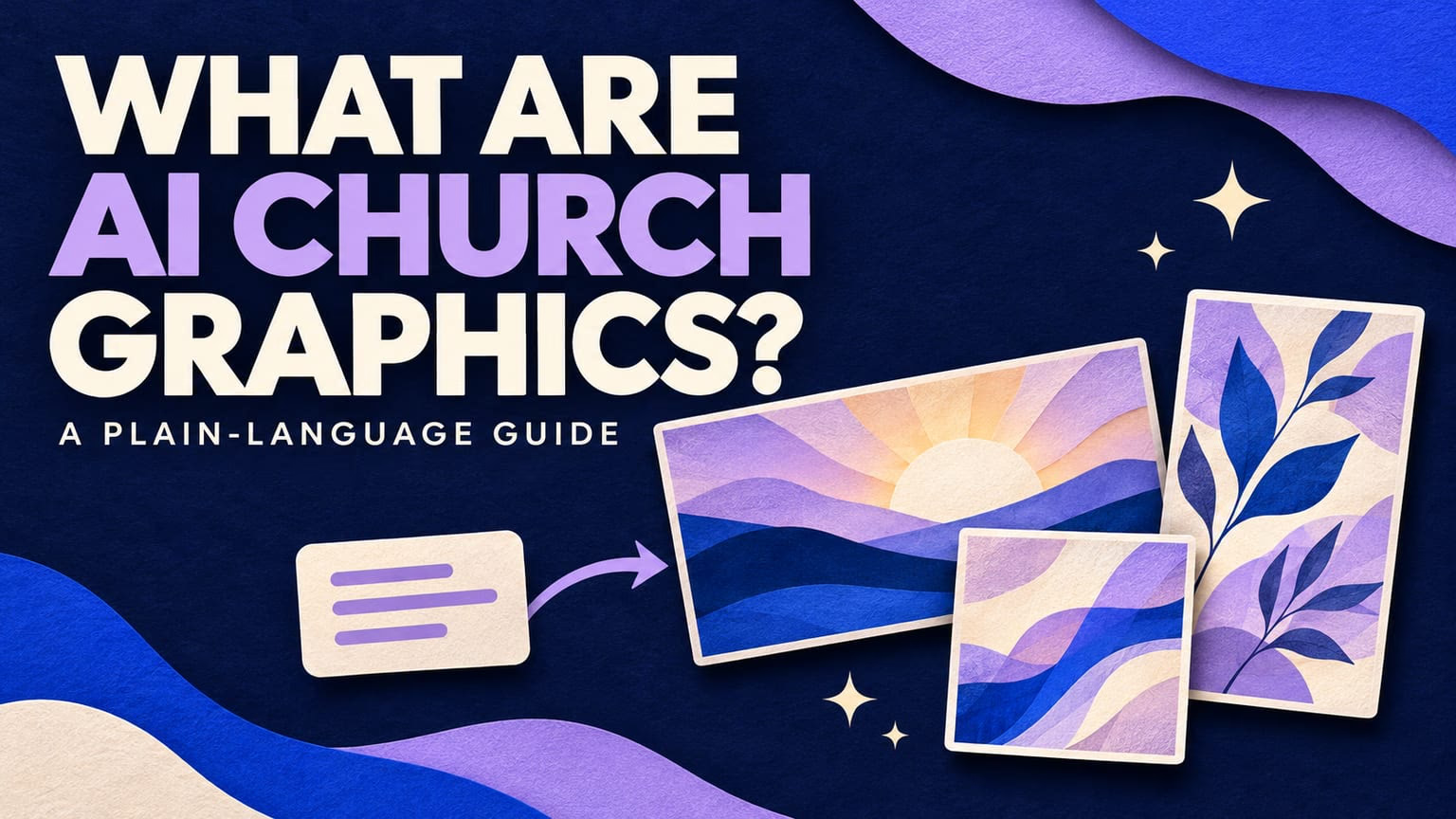
AI church graphics are designs generated by artificial intelligence from a plain-language description. Instead of opening a blank canvas or hunting through templates, you describe the sermon, event, or announcement, and the tool returns a finished graphic.
This guide explains how AI church graphics work, what churches make with them, and how to get results you are happy to put on the screen.
How AI church graphics work
You start with a short description. For example: the title of your series, the verse, and the feeling you want. An AI model turns that into an original design, including the layout and artwork.
A church-focused tool adds a few things a general image generator does not:
- Church formats. Sizes and layouts for sermon screens, announcement slides, and social posts.
- Readable text. Titles, dates, and verse references that stay legible from the back row.
- Repeatable style. Your colors and look, so a series feels like one connected message.
- Editing. Change the wording, remove an element, or resize without starting over.
Church Canvas is one example. You describe what you need, review the result, and refine it with a prompt.
What churches make with AI church graphics
Most teams start with the graphics they make every week:
- Sermon graphics and series art for screens, slides, and social. See our sermon graphics page.
- Event graphics for VBS, youth night, and conferences. See event graphics.
- Social media posts and stories sized for Instagram and Facebook. See social media graphics.
- Announcement and sermon slides your media team runs on Sunday. See church slides.
What AI is good at, and where people still matter
AI is strong at fast first drafts, trying several directions at once, and resizing one design for many places. It saves the most time when your team makes graphics every week.
People are still essential for decisions: what the message is, which design fits your church, and what is ready to ship. Volunteers and designers are the editors, and many teams polish AI graphics in a design tool when they want a custom touch.
AI also has limits. A vague or crowded prompt gives a vague or crowded graphic. Always check names, dates, scripture references, and spelling before you publish.
How to get great results
Good prompts are short and specific. A prompt that works well usually has four parts:
- The exact title. Say precisely what the graphic should read.
- A short reference. A verse, series name, or date.
- A mood in two or three words. “Bold, gritty, heroic” and “calm, hopeful, warm” lead to very different results.
- A short list of supporting objects. Three to six items, not a paragraph.
Then check the result against the basics of good design. One focal point, a limited color palette, and type that matches the art. Our breakdown of three real church graphics shows what works and what to fix, and our guide to sermon graphic styles helps you pick a look for your next series.
Questions to ask before you choose a tool
- Is it built for church formats, or for general design?
- Can a volunteer get a usable result in minutes?
- Can you keep a consistent style across a series?
- Does it work on the devices your team uses?
- What does it cost after any trial?
If you are comparing options, see our list of the best church graphics apps, or read about the church graphics app that runs in your browser on desktop and phone.
AI church graphics FAQ
What are AI church graphics?
AI church graphics are designs generated by AI from a plain-language description. You provide a title, a verse or event details, and a mood, and the tool returns a finished graphic for sermons, slides, social posts, or events.
Are AI church graphics free?
It depends on the tool. Church Canvas has no permanent free plan. New accounts start with a 7-day Plus trial that requires a card, costs $0 today, and can be cancelled before it ends.
Will AI replace our volunteer designer?
No. AI speeds up first drafts, resizing, and variations. Your volunteers and designers still choose what ships, set the brand direction, and polish the final files.
What should I put in an AI church graphics prompt?
Include the exact title, a short reference such as a verse or date, a mood in two or three words, and a short list of supporting objects. Fewer, specific details usually give a cleaner result than a long paragraph.
Do AI church graphics work for slides and social media?
Yes. A good AI church graphics app lets you resize one design for widescreen slides, square posts, and vertical stories, and turn a graphic into sermon or announcement slides.